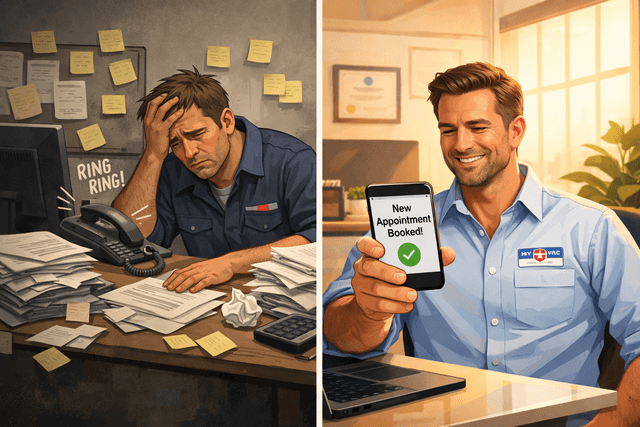
After-Hours Automation: How Home Service Businesses Capture Revenue 24/7
 Talan Wright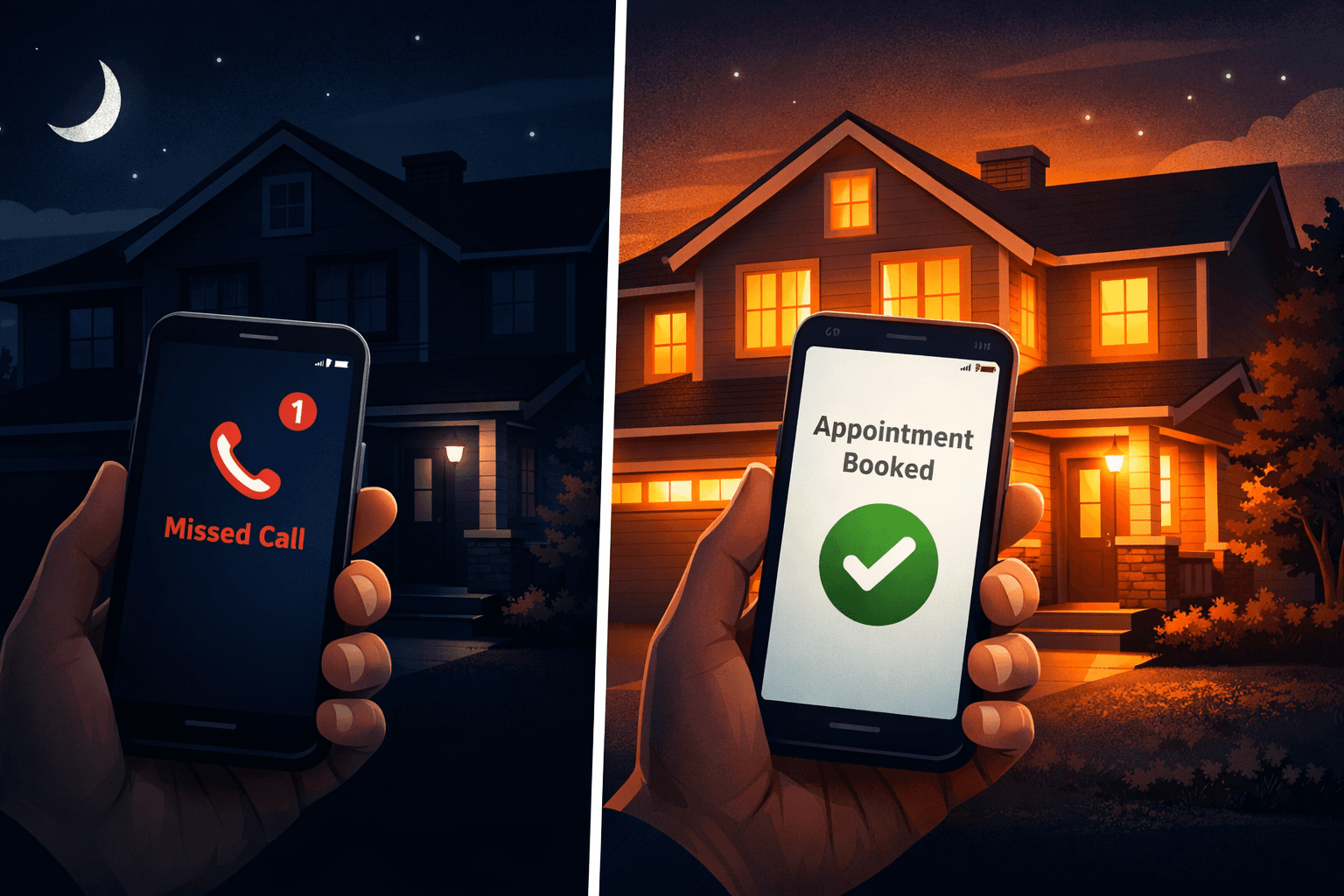
### The After-Hours Problem No One Talks About
Here's a number that should keep every home service business owner up at night: nearly half of all customer inquiries come in before 8 AM, after 6 PM, or on weekends.
That leaking faucet a homeowner notices at 10 PM? The AC that dies on a Saturday afternoon in July? The flickering outlet that worries a family at 6 AM before work? These aren't hypothetical scenarios. They're happening every single day — and they represent real revenue.
The question is simple: when those calls come in, is anyone answering?
For most home service businesses, the answer is no. And the cost is staggering.
### What Happens When You Miss an After-Hours Call
The data tells a brutal story. According to industry research, 85% of callers who reach voicemail don't leave a message. They don't wait. They don't try again later. They call your competitor.
In fact, 62% of unanswered callers immediately move on to the next business. And 78% of customers choose the first company that responds to them. So by the time you check your voicemail the next morning, that customer has already been booked, serviced, and invoiced by someone else.
For a typical plumbing business, this adds up to $10,000 to $20,000 in lost revenue per year — just from missed calls. For HVAC companies during peak season, the number can be even higher.
The math is straightforward:
- Emergency service calls convert to booked jobs at rates 73% higher than routine maintenance inquiries- After-hours emergencies average $450 to $600 per service call- A plumbing business receives 2 to 3 emergency calls per month outside business hours.
When you miss those high-intent, high-value calls, you're not just losing a lead. You're handing your best customers to the competition.
### Why Traditional Solutions Fall Short
Most contractors have tried to solve this problem before. The usual approaches each have serious drawbacks.
**Answering services** employ real people, but they can only take messages. They can't check your schedule, book appointments, or answer technical questions about your services. Customers still wait for a callback, and by then, they may have already moved on.
**Voicemail** is the cheapest option, but also the least effective. Less than 3% of callers who get pushed to voicemail actually leave a message. The rest hang up and call someone else.
**Being always on call yourself** works — until it doesn't. Owner burnout is real. Answering calls at 11 PM, on vacation, and during family dinners isn't sustainable. It's also the number one complaint we hear from home service business owners.
**Missed call text-back** is better than nothing. Sending an automatic text when you miss a call at least opens a conversation. But it still requires you to manually respond, and it doesn't capture the urgency of someone who needs help right now.
None of these solutions actually solve the core problem: being available to answer questions, qualify leads, and book appointments 24 hours a day, 7 days a week.
### How AI After-Hours Automation Works
AI automation for home service businesses is built to handle exactly this gap. Here's what it looks like in practice:
**A homeowner's AC breaks down at 9 PM on a Thursday.** They search "HVAC repair near me" and call the first business that comes up. Instead of hitting voicemail, an AI voice agent answers the call.
The AI greets the caller naturally, asks about the problem, collects their address and contact information, checks the business's real-time availability, and books a next-day appointment on the spot. The homeowner hangs up feeling taken care of. The business owner wakes up to a confirmed booking in their calendar.
No missed call. No lost lead. No 6 AM voicemail check.
### What AI Automation Can Actually Do After Hours
Modern AI for home service businesses goes far beyond a simple auto-attendant. Here's what a fully configured system handles:
-**Answer calls and texts 24/7** with natural, conversational AI that sounds like a real receptionist-**Qualify leads** by asking the right questions about the job type, urgency, and location-**Book appointments** directly into your scheduling software — ServiceTitan, Housecall Pro, Jobber, or Google Calendar-**Provide pricing estimates** based on your rates for common services-**Route true emergencies** to an on-call technician when the situation demands immediate attention-**Follow up on estimates** automatically via text and email so no quote falls through the cracks-**Answer FAQs** about your service area, hours, accepted payment methods, and licensing
The AI is trained on your specific business — your services, your pricing, your service area, your scheduling preferences. It represents your company, not a generic call center.
### The Revenue Impact of Going 24/7
Businesses that implement 24/7 AI automation see measurable results:
-**15 to 20% more appointments** captured outside normal business hours-**24% improvement in customer retention** because customers know they can always reach someone-**Reduction in owner phone time** by 3 to 5 hours per day, freeing up time for actual revenue-generating work
### Which Home Service Businesses Benefit Most
After-hours automation delivers the biggest impact for businesses where:
-**Emergency calls are common** — HVAC, plumbing, and electrical businesses deal with urgent issues that can't wait until morning-**Competition is high** — in markets with many contractors, the first to answer wins the job-**Average job values are significant** — when each missed call represents $500 or more in potential revenue, the cost of inaction is high-**The owner is the primary phone answerer** — solo operators and small teams benefit the most from offloading call handling-**Seasonal demand creates spikes** — HVAC businesses in summer, plumbing businesses in winter, and roofing companies after storms all face periods where call volume exceeds capacity
### Getting Started With After-Hours Automation
Implementing AI automation doesn't require ripping out your existing systems. Most businesses can be fully set up in under a week. The process typically looks like this:
1.**Assessment** — Analyze your current call patterns, identify where leads are falling through the cracks, and estimate your revenue leak
2.**Configuration** — Train the AI on your services, pricing, service area, and scheduling preferences
3.**Integration** — Connect the AI to your existing scheduling software, CRM, and phone system
4.**Testing** — Run test calls to ensure the AI handles common scenarios correctly
5.**Go live** — Flip the switch and start capturing after-hours leads immediately
The best way to start is to understand exactly how much revenue your business is currently losing. A quick assessment of your call handling, follow-up process, and after-hours coverage can reveal the specific dollar amount walking out the door every month.
### Frequently Asked Questions
**Will customers know they're talking to AI?**
Today's AI voice agents sound remarkably human — with natural pacing, tone, and conversational flow that most callers can't distinguish from a real person. But here's the thing: even if a caller does realize it's AI, that's still infinitely better than the alternative. A voicemail box that 85% of people hang up on captures zero leads. An AI that answers on the first ring, asks the right questions, and books the appointment captures nearly all of them. The choice isn't between AI and a perfect human receptionist available 24/7 — it's between AI and a missed call that
sends your next $800 job straight to a competitor.
**Can AI handle emergency calls differently from routine calls?**
Yes. AI automation can be configured to identify true emergencies — like a gas leak, flooding, or electrical hazard — and route those calls directly to an on-call technician. Routine inquiries are handled and booked by the AI without waking anyone up.
**Does it work with my existing scheduling software?**
Most AI systems integrate with popular field service management tools like ServiceTitan, Housecall Pro, Jobber, and Google Calendar. The AI books appointments directly into your existing system, so there's no double-entry or manual transfer.
**What if a caller has a question the AI can't answer?**
The AI is trained on your business's most common questions and scenarios. For unusual situations it can't handle, it takes a detailed message with the caller's information and flags it for follow-up. No call is ever truly lost.

About Talan Wright
Talan Wright started building AI solutions at 16. Now he's co-founder of Fenix AI, helping home service businesses automate their operations and never miss another lead. Outside of Fenix AI, he's building a personal brand around AI—sharing tips, tools, and insights to help others understand and leverage automation in their businesses.